MyFitnessPal is best for deep data and integrations; Lose It excels at simple, budget-friendly tracking.
If you are weighing fitness pal vs lose it, you are in the right place. I have logged thousands of meals across both apps over the years. I know where each one shines, and where it can slow you down. This guide gives you a clear, honest comparison so you can choose the app that fits your goals, budget, and style.

What Sets Each App Apart
Think of these apps like two types of coaches. One is detail-heavy and data rich. The other is calm and simple.
- MyFitnessPal focuses on a massive food database, deep integrations, and advanced settings. It suits people who love data and want control.
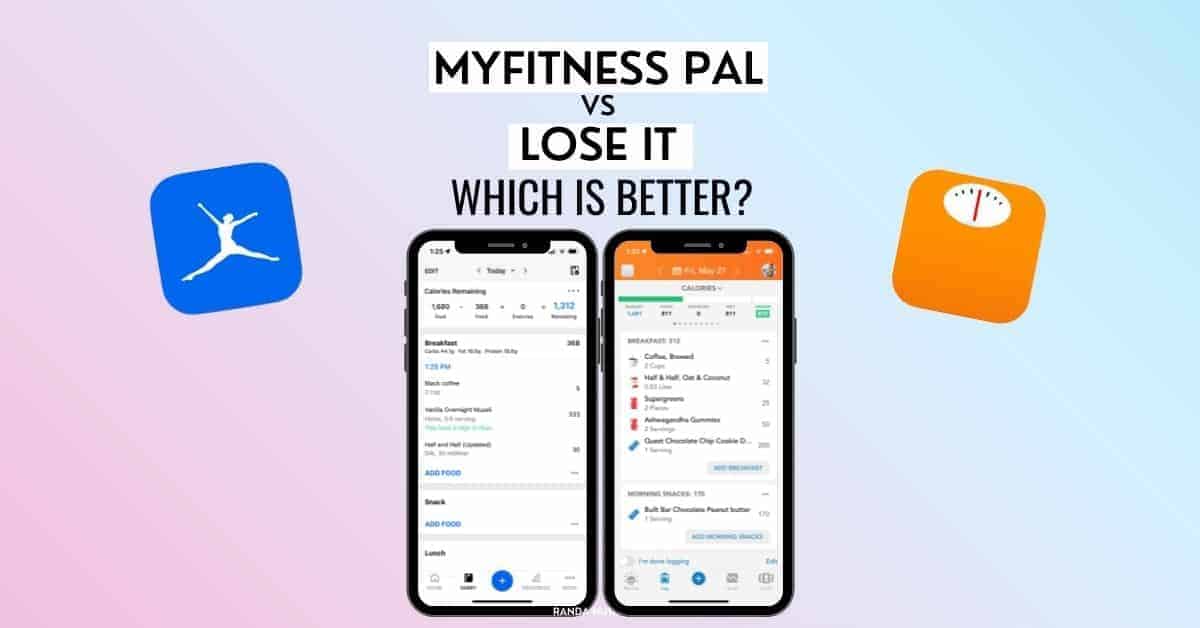
- Lose It focuses on clean design and a clear daily calorie budget. It suits people who want easy tracking and fewer distractions.
- Both can help you lose weight, gain muscle, or maintain. The choice in fitness pal vs lose it depends on how you like to track and how much detail you want.
In my experience, MyFitnessPal feels like a lab. Lose It feels like a clean notepad. Both work. The best app is the one you will use every day.
Pricing and Value
Cost matters, especially if you plan to track for months.
- MyFitnessPal: Free tier with ads and fewer features. Premium adds advanced macros, more insights, and often includes barcode scanning. Pricing often ranges by region and promotions. Expect around a monthly option and an annual plan.
- Lose It: Free tier with core logging and barcode scanning in most regions. Premium adds macros by gram, patterns, and deeper reports. Expect a more budget-friendly annual plan compared to many competitors.
Prices change, and discounts pop up often. If cost is your key factor in fitness pal vs lose it, try each free tier for a week. Then upgrade the one you enjoy opening each day.

Food Database and Tracking Accuracy
Food databases make or break your logging flow.
- MyFitnessPal has one of the largest global databases. This is great for variety. But user-added entries can vary in accuracy. Double-check labels and look for verified items.
- Lose It has a smaller but more curated feel. Matches often require fewer edits. I notice fewer wild entries when scanning common foods.
Both apps offer barcode scanning and recipe import. Research shows that frequent and accurate logging is linked to better weight outcomes. The real win in fitness pal vs lose it is which app helps you log quickly and correctly. If you cook a lot, try each app’s recipe import with a favorite dish. See which one needs fewer fixes.
Macros, Goals, and Coaching Features
Your goals drive your plan. How well do these apps adapt?
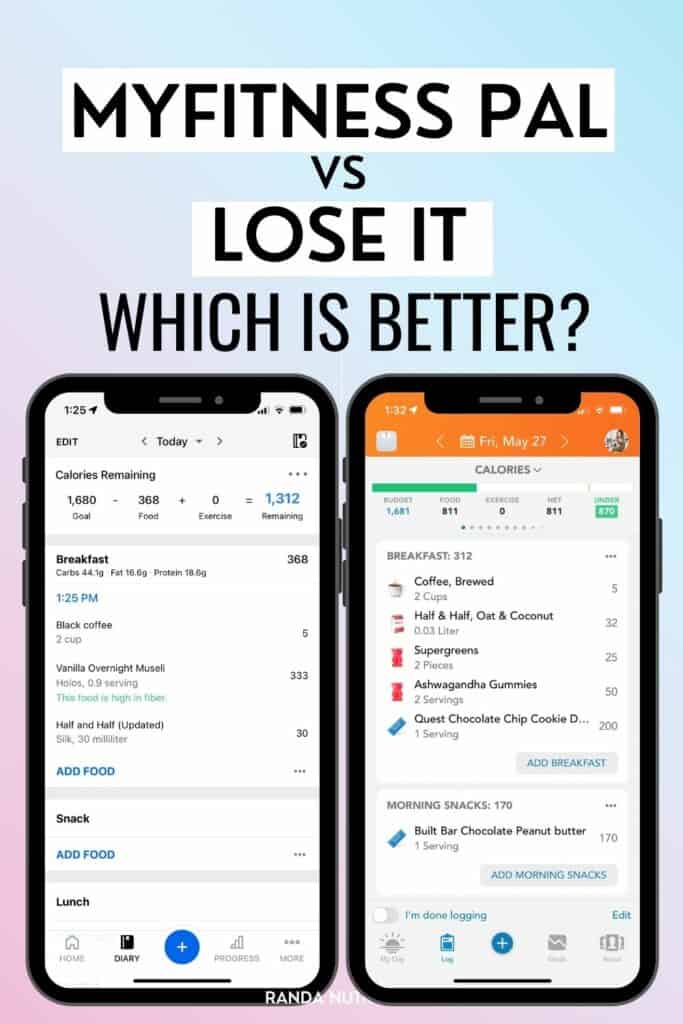
- MyFitnessPal lets you set custom calories and macros. Premium supports gram-level macro goals, meal goals, and more detailed reports. It is great if you want to fine-tune protein while strength training.
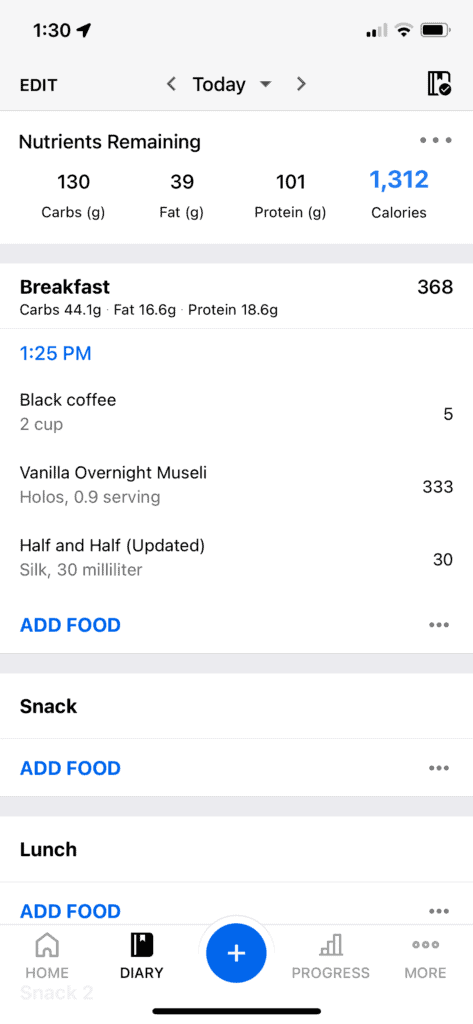
- Lose It also supports custom macros, macro targets by day, and easy calorie budgets. It offers clean visuals that make it simple to see what you have left.
Both apps support low-carb, high-protein, and maintenance plans. If you are comparing fitness pal vs lose it for macro control, MyFitnessPal offers more dials and switches. Lose It makes sticking to targets feel calm and clear.

Integrations and Wearables
Your tech stack matters if you track steps, heart rate, or workouts.
- MyFitnessPal connects with many services. You can sync steps and workouts from popular wearables and platforms. This wide net helps if you change devices often.
- Lose It integrates with major wearables and Apple Health or Google Fit. Syncing workouts and weight is smooth. It covers what most users need day to day.
In fitness pal vs lose it, pick the app that fits your watch and scale with the least fuss. Fewer sync issues means more focus on habits.
User Experience and Community
How an app feels shapes your routine.
- MyFitnessPal offers forums, groups, and a long history of community support. The interface is dense but powerful. Free users may see more ads.
- Lose It is clean and quiet. It makes your daily budget front and center. Community feels lighter, with challenges and badges rather than deep threads.
If you want a bustling community and deep logs, MyFitnessPal wins. If you want speed and fewer taps, Lose It feels better. In the daily grind of fitness pal vs lose it, comfort leads to consistency.
Privacy and Data Practices
Trust matters with health data.
- Both apps use analytics and may collect usage data. You can adjust permissions in app settings. You can request data deletion.
- MyFitnessPal experienced a notable data breach years ago. The company improved policies and security practices since then.
- With both apps, review privacy controls, ad settings, and connected apps. Limit what you do not need.
In fitness pal vs lose it, neither is perfect. Both are industry standard. Be mindful of connected services and keep your email secure with two-factor authentication.
Which App Fits Specific Goals
Choose based on your style and target.
- Beginners who want easy wins: Lose It. The budget view keeps things simple and motivating.
- Data lovers and athletes: MyFitnessPal. Detailed logging and wide integrations make periodization and macro cycles easier.
- Keto or low-carb focus: Tie. Both handle custom macros. MyFitnessPal offers more reports; Lose It feels calmer.
- Tight budget: Lose It often gives strong value at a lower price.
- Global foods and dining out often: MyFitnessPal’s database helps find matches faster.
I coach clients to try both for seven days. Then pick the one you opened more. In the end, fitness pal vs lose it is about fit, not features on paper.

Setup Tips and Best Practices
Make either app work harder for you in week one.
- Set a realistic calorie target. Aim for a small deficit, like 250–500 calories per day, if weight loss is your goal.
- Weigh staple foods for one week. You will learn true portions fast.
- Build custom meals for frequent combos. Example: your usual oatmeal and toppings.
- Pre-log dinner in the morning. It reduces surprise calories at night.
- Review weekly trends, not just daily swings. Water and sodium can skew single days.
- Sync steps and workouts once. Avoid double counting by checking settings.
- Be honest and kind to yourself. Consistency beats perfection.
These steps boost results in both apps. They also keep the fitness pal vs lose it choice from slowing you down.
Frequently Asked Questions of fitness pal vs lose it
Which app is better for beginners?
Lose It is simpler and feels less busy. The daily budget view makes it easy to stay on track.
Which app has a bigger food database?
MyFitnessPal has the bigger database. You may need to double-check entries for accuracy, but variety is high.
Is barcode scanning free in both apps?
Lose It offers barcode scanning on the free tier in most regions. MyFitnessPal often includes barcode scanning in premium.
Which app is best for athletes and macro control?
MyFitnessPal is stronger for advanced macro targets and detailed reports. It also plays well with more devices.
Can I lose weight with either app?
Yes. Studies show consistent tracking supports weight loss. The best app is the one you can use every day.
Which is cheaper over a year?
Lose It is often the more budget-friendly annual choice. Prices change, so check current offers in your region.
Do they work with Apple Health and Google Fit?
Both connect with Apple Health and Google Fit. Syncing steps and workouts is straightforward.
Conclusion
Both MyFitnessPal and Lose It can help you hit your goals. If you love data, devices, and deep control, MyFitnessPal is a smart pick. If you want simple tracking and great value, Lose It is hard to beat. The real win in fitness pal vs lose it is finding the app you can open daily without dread.
Pick one today, track for a week, and review your trends. Small steps add up fast. If this guide helped, subscribe for more practical tips or leave a comment with your experience.