Ever wondered how a small device in your pocket or on your wrist knows exactly how many steps you’ve taken throughout the day? It almost feels like magic, doesn’t it?
But there’s a fascinating science behind it. You might be curious about how fitness apps track your steps so accurately, turning every stroll, jog, or sprint into a metric you can monitor and improve. Imagine the power of understanding your daily activity with just a glance at your phone or watch.
This insight could motivate you to move more, stay healthier, and achieve your fitness goals. By the end of this article, you’ll not only know how these apps work but also how you can leverage this technology to transform your daily routine into a healthier lifestyle. Curious to unlock the secrets behind your step count? Let’s dive in!
Credit: support.apple.com
Step Counting Technology
Fitness apps have become essential for tracking daily activities. Step counting technology is at the heart of these apps. It helps you monitor your movement throughout the day. Understanding how this technology works can enhance your fitness journey.
Accelerometer Functionality
An accelerometer is a sensor that detects movement. It measures acceleration in different directions. This sensor identifies changes in speed as you walk or run. It captures every step you take. The accelerometer helps the app distinguish walking from other movements. This ensures accurate step counts.
Gyroscope Role
The gyroscope complements the accelerometer. It measures orientation and rotation. The gyroscope detects how your phone tilts or turns. This data is crucial for precise step counting. It ensures the app calculates steps even during complex movements. Your phone’s position affects the accuracy of step tracking.
Combining Sensors
Combining accelerometers and gyroscopes enhances tracking accuracy. These sensors work together to provide detailed movement data. The fitness app analyzes this data to differentiate activities. It can identify walking, running, or cycling. This combination ensures reliable step counts. It helps you maintain your fitness goals.
Credit: support.apple.com
Data Processing Techniques
Fitness apps have transformed how we monitor our daily activities. Central to their function is step tracking. This relies heavily on sophisticated data processing techniques. These techniques ensure accuracy and reliability, allowing users to trust their step counts. Let’s delve into how these apps process data effectively.
Algorithm Basics
At the heart of step tracking are algorithms. They analyze sensor data from your device. Accelerometers detect movement patterns. Algorithms interpret these patterns as steps. This involves filtering out non-step movements. The goal is to ensure only genuine steps are counted.
Error Correction Methods
Errors in step tracking can occur. Fitness apps implement error correction methods. They adjust for false step detections. Algorithms learn and adapt over time. This reduces inaccuracies. Calibrating the device helps improve data precision.
Real-time Data Analysis
Real-time analysis keeps users informed instantly. As you move, the app processes data continuously. This ensures up-to-date step counts. The app uses minimal battery for efficiency. Instant feedback motivates users to stay active. Real-time data helps track progress throughout the day.
Integration With Devices
Fitness apps are revolutionizing how we track physical activity. They seamlessly integrate with various devices, making tracking steps easier than ever. This integration ensures accurate data collection and enhances user experience.
Smartphone Compatibility
Most fitness apps work well with smartphones. They use built-in sensors to count steps. These sensors measure movement and convert it into step counts. Users only need to carry their phones while walking or running.
Smartphones offer convenience and accessibility. With a fitness app, tracking steps becomes automatic. Many apps also provide notifications and reminders. This keeps users motivated and engaged.
Wearable Device Synchronization
Wearable devices like fitness bands and smartwatches offer advanced tracking. They synchronize with fitness apps to provide detailed insights. These devices often have sensors for heart rate, steps, and calories burned.
Synchronization between wearables and apps is seamless. Data is transferred in real-time. This allows users to monitor their progress continuously. Wearables are lightweight and easy to wear, ideal for daily use.
The combination of smartphones and wearables enhances fitness tracking. Users get comprehensive data to help them stay active and healthy. This integration is a key feature of modern fitness apps.
User Feedback Systems
Fitness apps have transformed how you monitor your daily activities, making them an integral part of your routine. One of their most engaging features is the user feedback system. This system not only tracks your steps but also provides insights that keep you motivated and informed. Let’s explore how activity notifications and progress tracking enhance your fitness journey.
Activity Notifications
Imagine being nudged gently by your app, reminding you to move after sitting for too long. Activity notifications serve this purpose by keeping you on your toes. These alerts can range from reminders to take a walk to celebrating achieving a step goal. Have you ever felt that little buzz on your wrist, prompting you to stand up? That’s your app looking out for your health.
Customizing these notifications is often possible, allowing you to decide how often and when you want these reminders. Some users find these alerts highly motivating, while others might prefer fewer interruptions. What works best for you? It’s all about finding the right balance to keep you active without being intrusive.
Progress Tracking
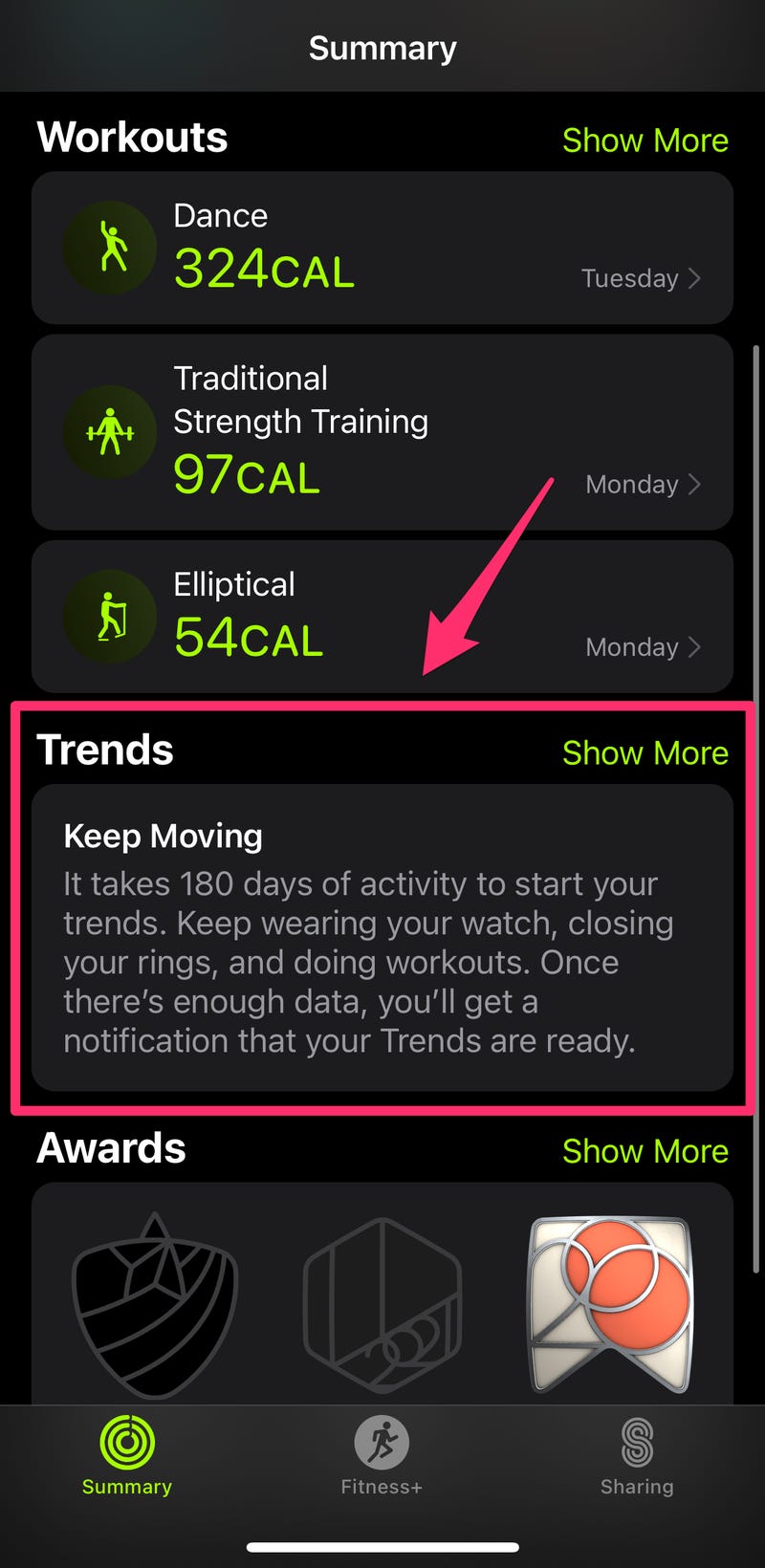
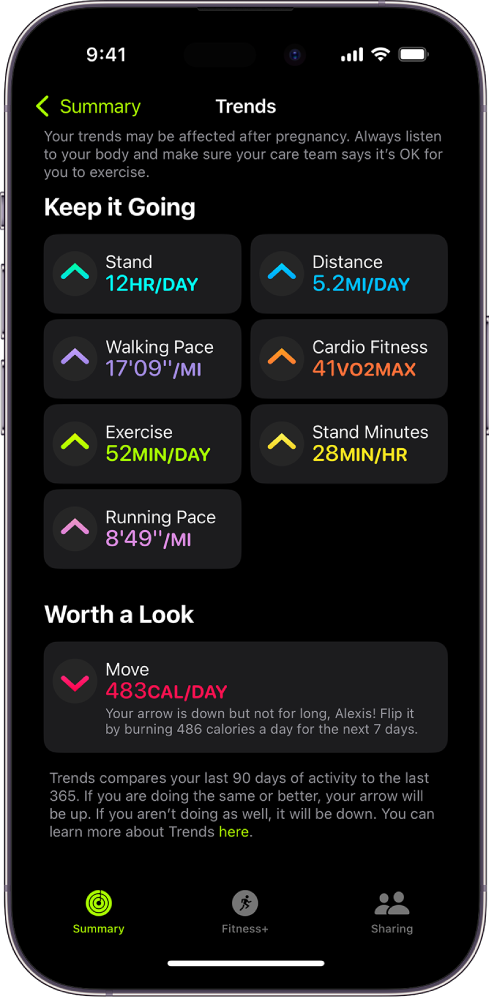
Progress tracking is like having a personal coach in your pocket. It allows you to see your journey over days, weeks, or even months. Have you ever looked back at a month’s worth of data and felt proud of your achievements? That’s the magic of progress tracking.
These insights help you understand patterns in your activity levels. Notice a dip in your steps on weekends? Your app helps you identify such trends and encourages you to make small, manageable changes. By setting targets and seeing your achievements, you’re more likely to stay motivated and on track.
Fitness apps, with their user feedback systems, offer a personalized experience that adapts to your lifestyle. They are your silent partners in achieving your health goals, providing gentle nudges and valuable insights. What changes have you noticed in your routine since using a fitness app? Share your experiences and keep the conversation going!
Privacy And Security Concerns
Fitness apps track your steps using built-in sensors in your smartphone or wearable device. These sensors gather data on movement and location. While helpful, this data collection raises privacy and security concerns, as sensitive information might be accessed without consent.
Tracking steps through your fitness app can be a great way to stay motivated and achieve your health goals. But have you ever wondered about the privacy and security of the data it collects? Ensuring your personal information is safe is crucial. Let’s dive into how these apps manage your data securely and what you need to know about protecting your privacy.Data Encryption
Data encryption is a critical feature that fitness apps use to protect your information. It ensures that any data transferred from your device to the app’s servers is transformed into a code, making it unreadable to unauthorized users. This process is similar to locking your personal documents in a safe; only those with the correct key can access them. Consider a time when you felt uneasy sharing information online. Knowing your data is encrypted can offer peace of mind. You can breathe easier knowing your steps, location, and health metrics are shielded from prying eyes.User Consent
When was the last time you read the terms and conditions before clicking “agree”? Fitness apps often require your consent to access various data points. This includes your location, physical activity, and even health information. It’s essential to understand what you’re agreeing to. Take a moment to review app permissions; you have control over what data you share. Ask yourself if the app truly needs access to certain information to function effectively. Think of user consent as a handshake between you and the app. By knowing exactly what data you’re sharing, you ensure that your privacy is respected and maintained. — The next time you lace up your sneakers and hit the pavement, remember the importance of safeguarding your data. Fitness apps should not only help you track your steps but also protect your privacy every step of the way. Would you trust an app that prioritizes security less?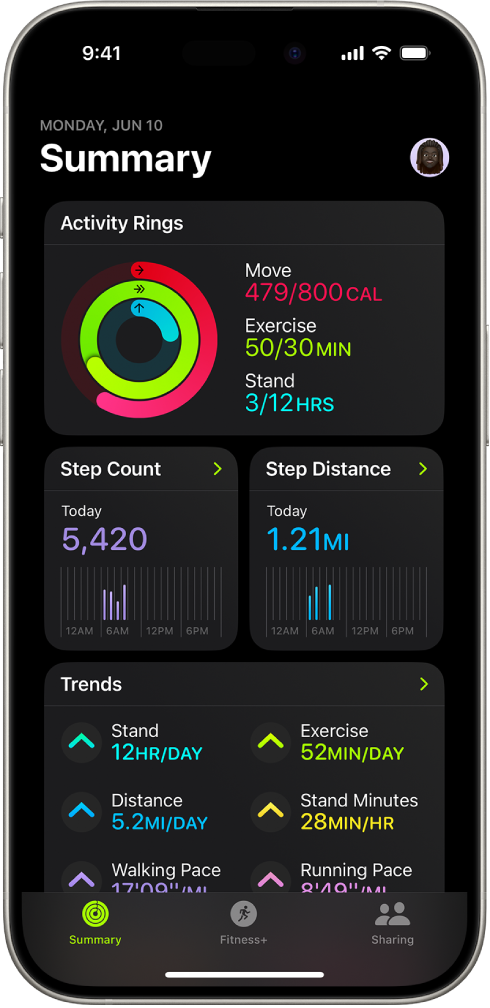
Credit: support.apple.com
Future Of Step Tracking
The future of step tracking promises exciting advancements. With technology evolving rapidly, step tracking is becoming more precise and insightful. Fitness apps are not just counting steps anymore. They are transforming how we view our daily activities. This evolution in step tracking technology opens doors to new possibilities.
Advancements In Technology
Wearable devices keep getting smarter. Sensors are now more accurate. They detect steps with greater precision. Algorithms process data faster. They analyze our movements in real-time. Connectivity between devices improves. This allows for seamless data sharing. Enhanced battery life means longer tracking without frequent charges.
Potential Innovations
Imagine step tracking with augmented reality. It guides you through workouts visually. Virtual reality offers immersive fitness experiences. You could walk through a virtual park. AI predicts your fitness patterns. It suggests personalized goals. Integration with smart home devices could track indoor steps. Voice assistants might remind you to stay active.
Frequently Asked Questions
How Does Apple Fitness Know My Steps?
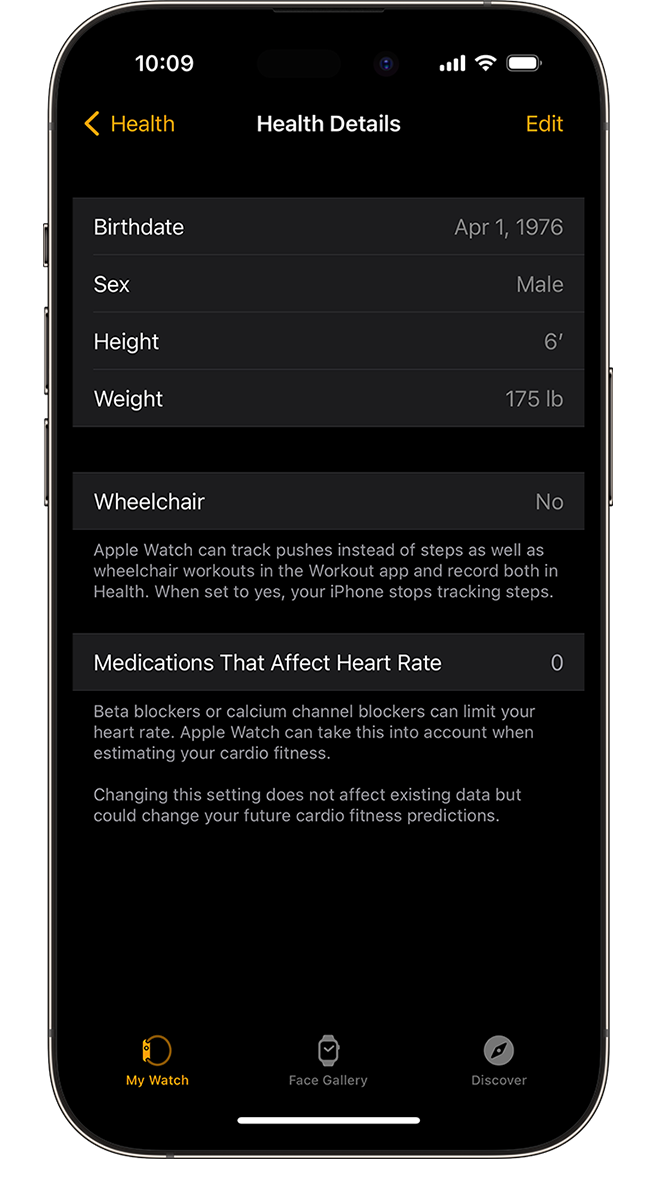
Apple Fitness tracks steps using sensors in your iPhone or Apple Watch. It utilizes accelerometers and gyroscopes to detect movement. The Health app collects this data, providing accurate step counts. Ensure Bluetooth is enabled for syncing between devices. Data privacy is maintained through encryption.
How Accurate Is The Fitness App With Steps?
Fitness apps often provide a decent estimate of steps. They might not be 100% accurate. Factors like phone placement and walking style can affect accuracy. Regular calibration and using sensors can improve results. For precise tracking, consider pairing with a wearable device.
Does An Iphone Have To Be In The Pocket To Track Steps?
No, an iPhone doesn’t need to be in your pocket to track steps. It can track steps from a bag or hand. The Health app uses the built-in accelerometer to count steps, so carrying your iPhone in various ways still allows accurate step tracking.
Does The Apple Watch Count Steps If Your Arms Aren’t Moving?
Yes, the Apple Watch can count steps even if your arms aren’t moving. It uses motion sensors to track your steps. Placing the device in a pocket or on a belt can also accurately record steps. Make sure it’s securely attached for the best results.
Conclusion
Tracking steps with a fitness app is simple and effective. These apps use sensors in your phone or watch. They count each step you take. Easy to check your progress. Helps you stay active and healthy. You can set goals and see your achievements.
Encourages daily movement. Keeps you motivated. Walking is great exercise. Supports weight loss and heart health. Fitness apps make tracking fun. Useful for all ages. Start using one today. Stay fit and enjoy better health. Your step count is just a tap away!